Verification: Advanced Reverse Image Search
How to separate genuine eyewitness accounts from misattributed content.
Search by image.
When newsworthy footage emerges online, numerous copies will quickly follow in the race to claim ownership and accumulate views. Reverse image search is the quickest and easiest verification step and should always be the first check you run.
For example, if you were writing a story on ivory poaching and wanted to verify a post that depicts a recent increase in orphaned baby elephants in Nairobi National Park, you could start with a reverse image search.
Uncovering your image’s backstory.
Knowing all the places a photo has been used or finding images that are similar to it can help you verify its source and authenticity. There are two easy ways to learn more about images online.
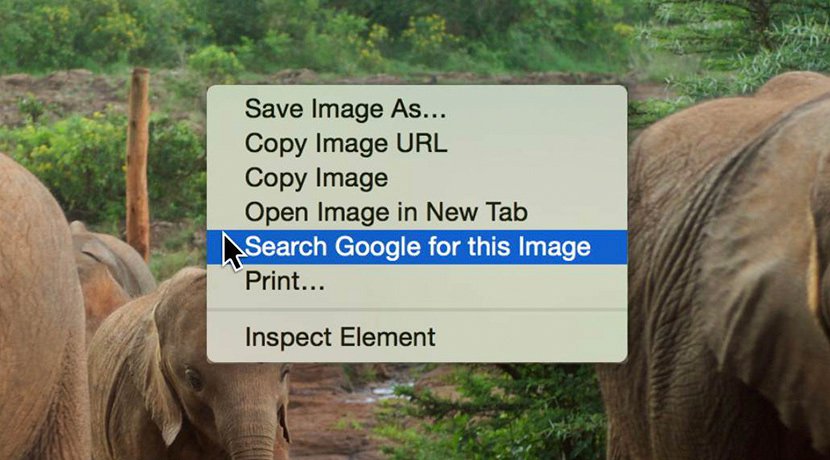
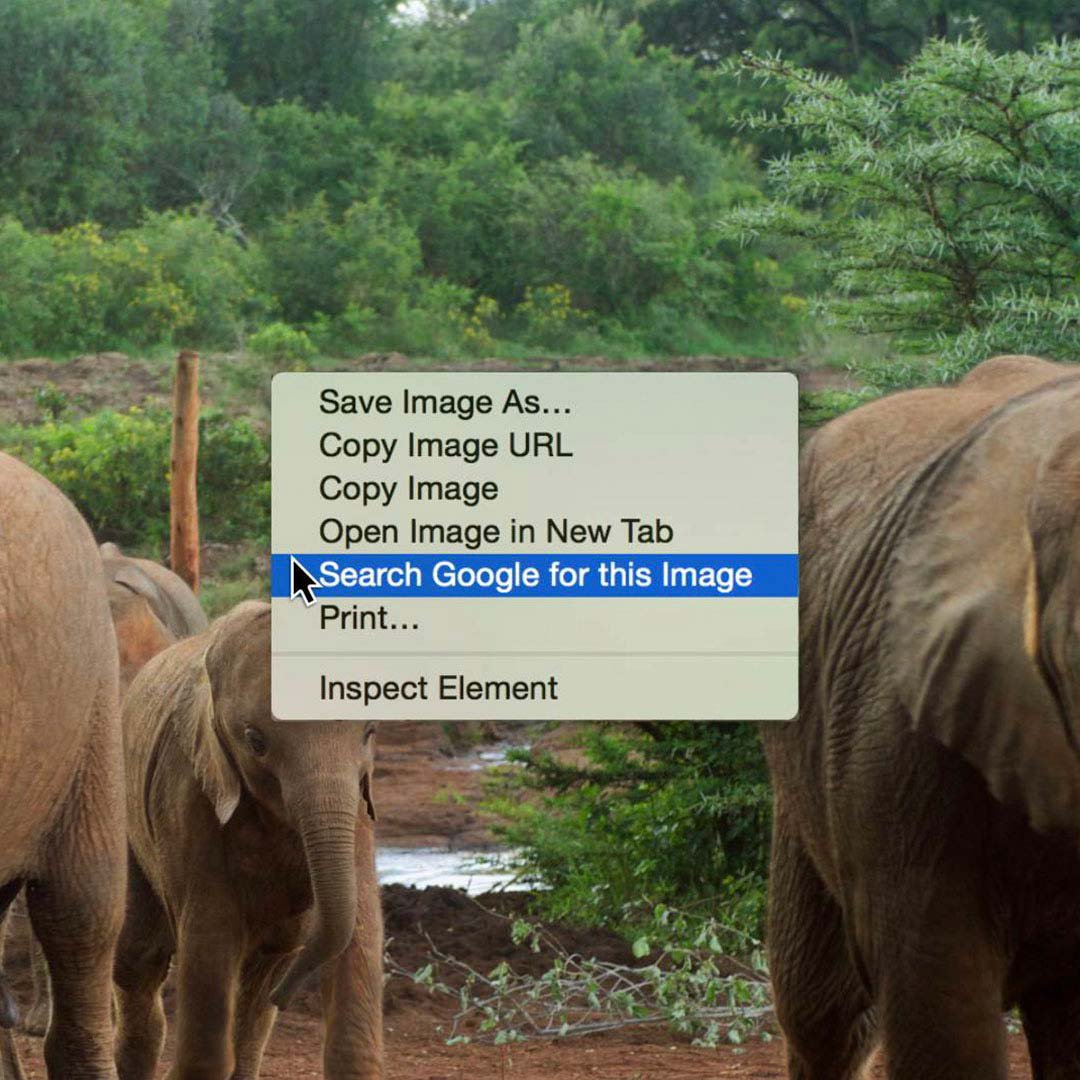
In Google Chrome, right click any image and select Search Google for image.
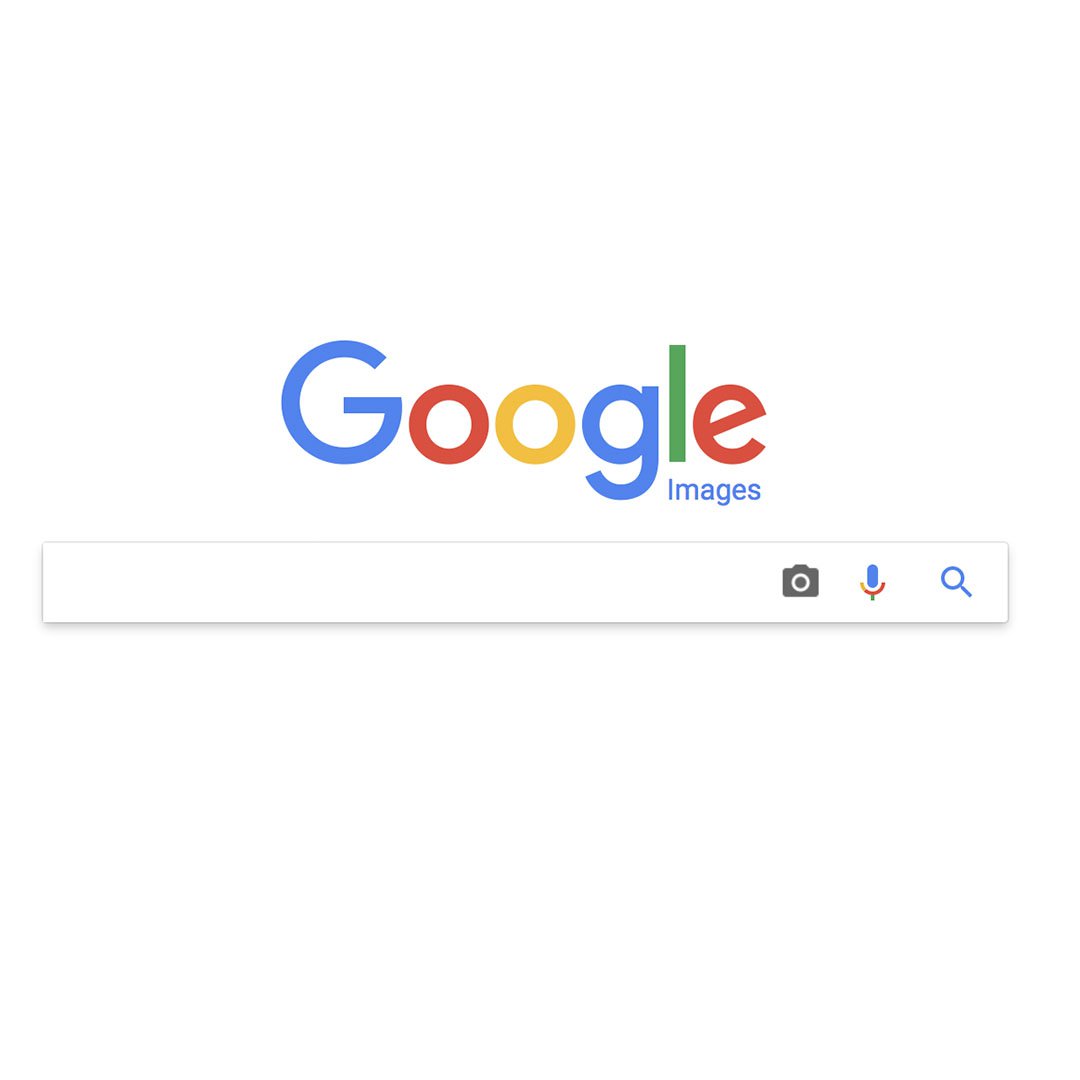
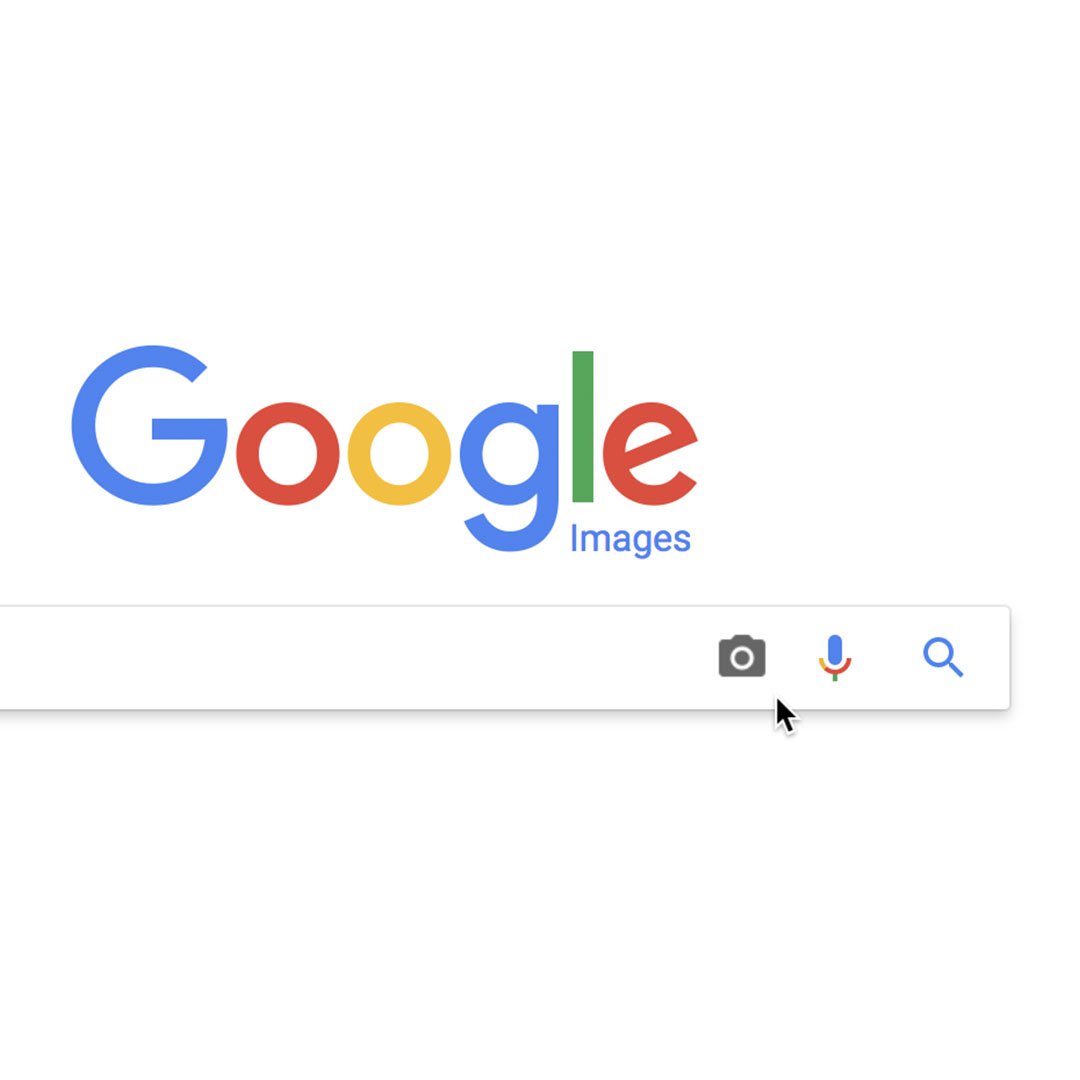
In other browsers, go to images.google.com, click on the camera icon, and either upload the image from your computer, or input the image URL to search for it.
Image fact-checking 101.
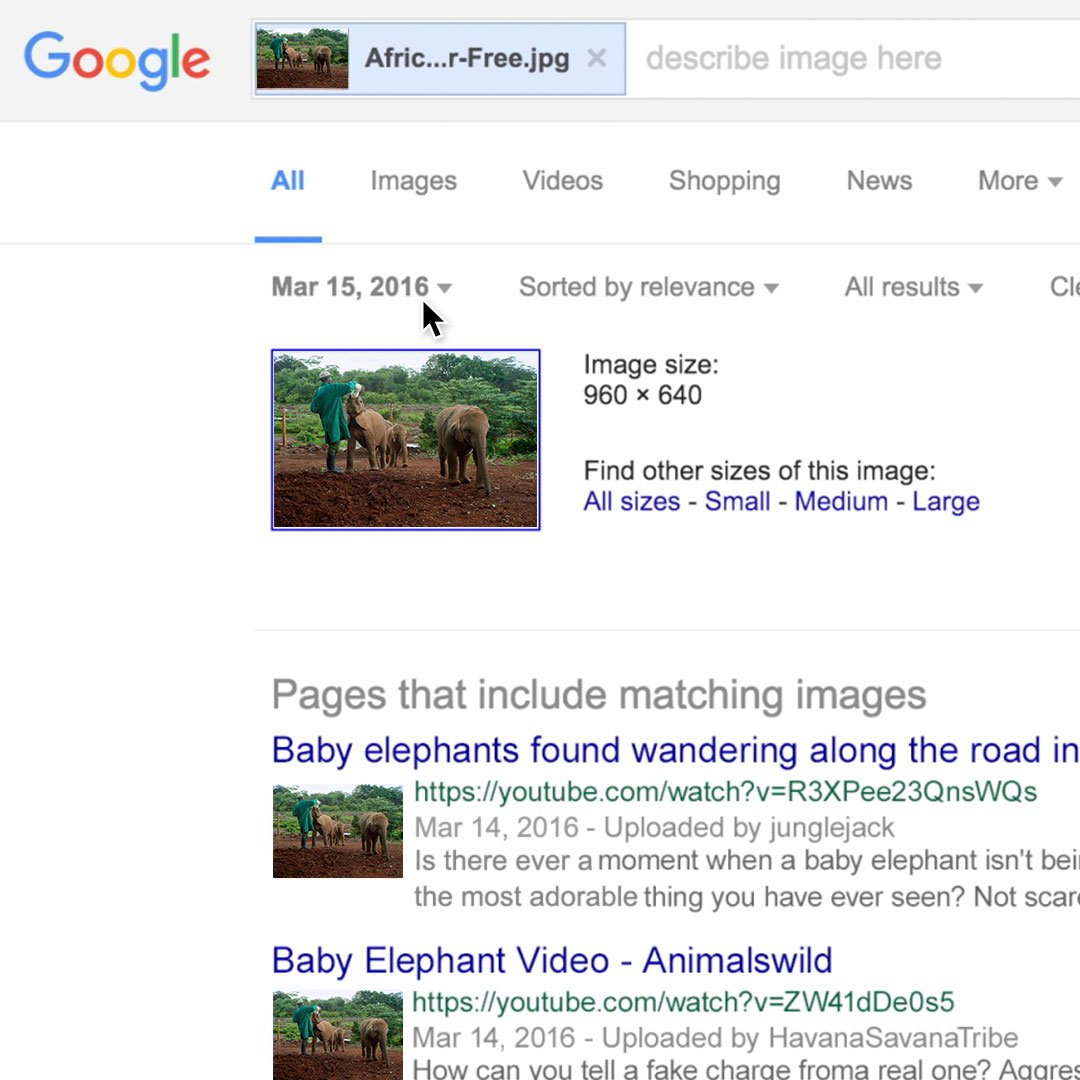
Once you’ve searched by image, you can do some research to see when and where it’s been published.
To filter your results by date, click on Tools.
Select Time to set your parameters, which range from the past hour to the past year to custom dates.
Continue to refine your results until you find the earliest date the photo appears.
Multiple images and video thumbnails.
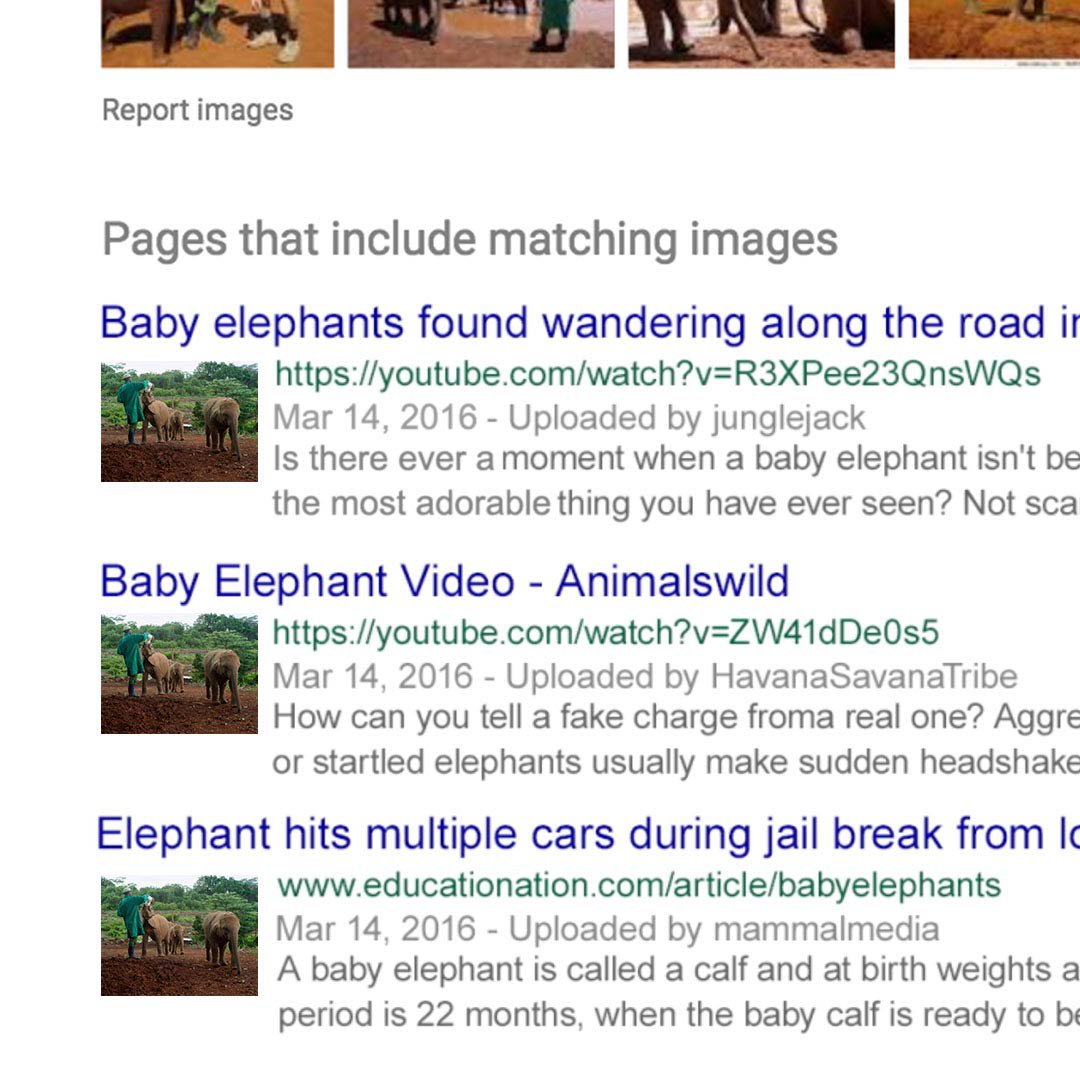
Many of the same images circulate after major events like natural disasters, riots and airline crashes, so finding original news reports will help to identify misattributed content.
If you’ve saved the image to your computer, click the camera icon on the Google Images homepage, select Upload an image and then Choose File.
Google will suggest a Best Guess search term to accompany your image.
Scroll down to show pages that include matching images.
Reverse Image Search on mobile.
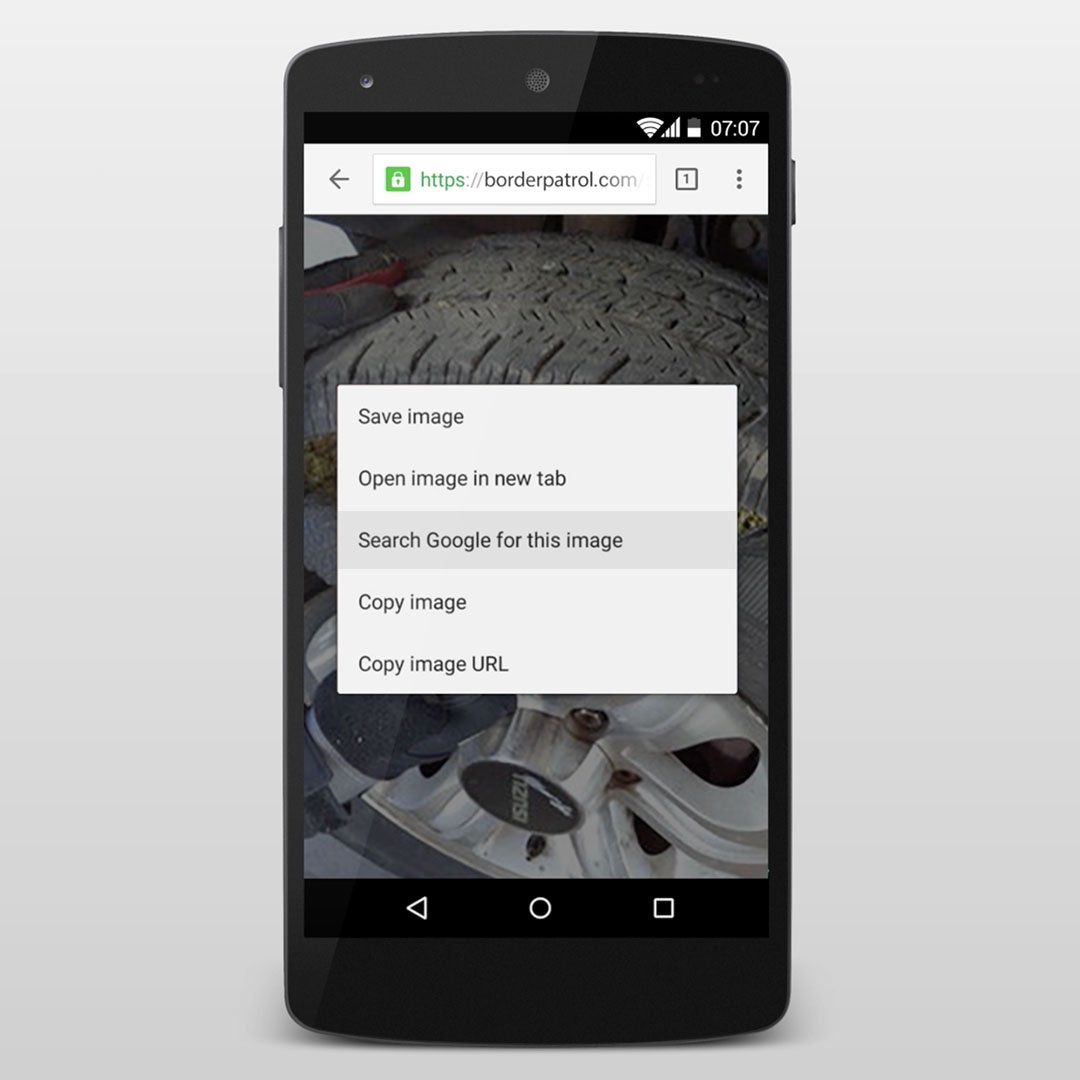
With the Google Chrome app installed on your smartphone, you can verify on the fly.
Maybe you’re in the field when you get a breaking news alert about a drug bust that you want to investigate immediately. You can perform a reverse image search right on your phone.
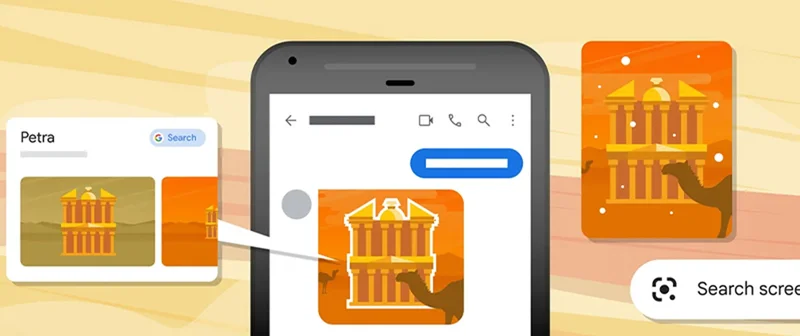
Press on the image until the pop-up dialog box appears, then select Search Google For This Image.
To learn more about reverse image search, check out our FAQ video on YouTube.
Watch now >
-
![Gen Ai Web Card_Business Teams_231214_1600x900]()
Introduction to AI for News Business Teams
AulaLearn about Google's approach to AI and how our products can support news business teams. -
-
![Verification_GoogleImageSearch]()